When someone asks me to look at a homepage that isn’t working, the first thing they usually want to do is add something. Another section, another testimonial, a longer about blurb, a list of every service.
Most of the time the page already has enough. What it’s missing is order.
Your homepage probably doesn’t need more information. It needs clearer hierarchy.
What hierarchy means on a homepage
Hierarchy is the order in which someone notices things. On a well-built page, a visitor’s eye lands on the most important thing first, then the next, without having to work at it.
When every element carries the same visual weight, nothing leads. A visitor scans, can’t find an obvious starting point, and leaves. Adding more content to that page makes it worse, because it adds more things competing for the same attention.
The questions a homepage has to answer, in order
Most visitors arrive with a short list of questions. A homepage works when it answers them in the order they’re asked.
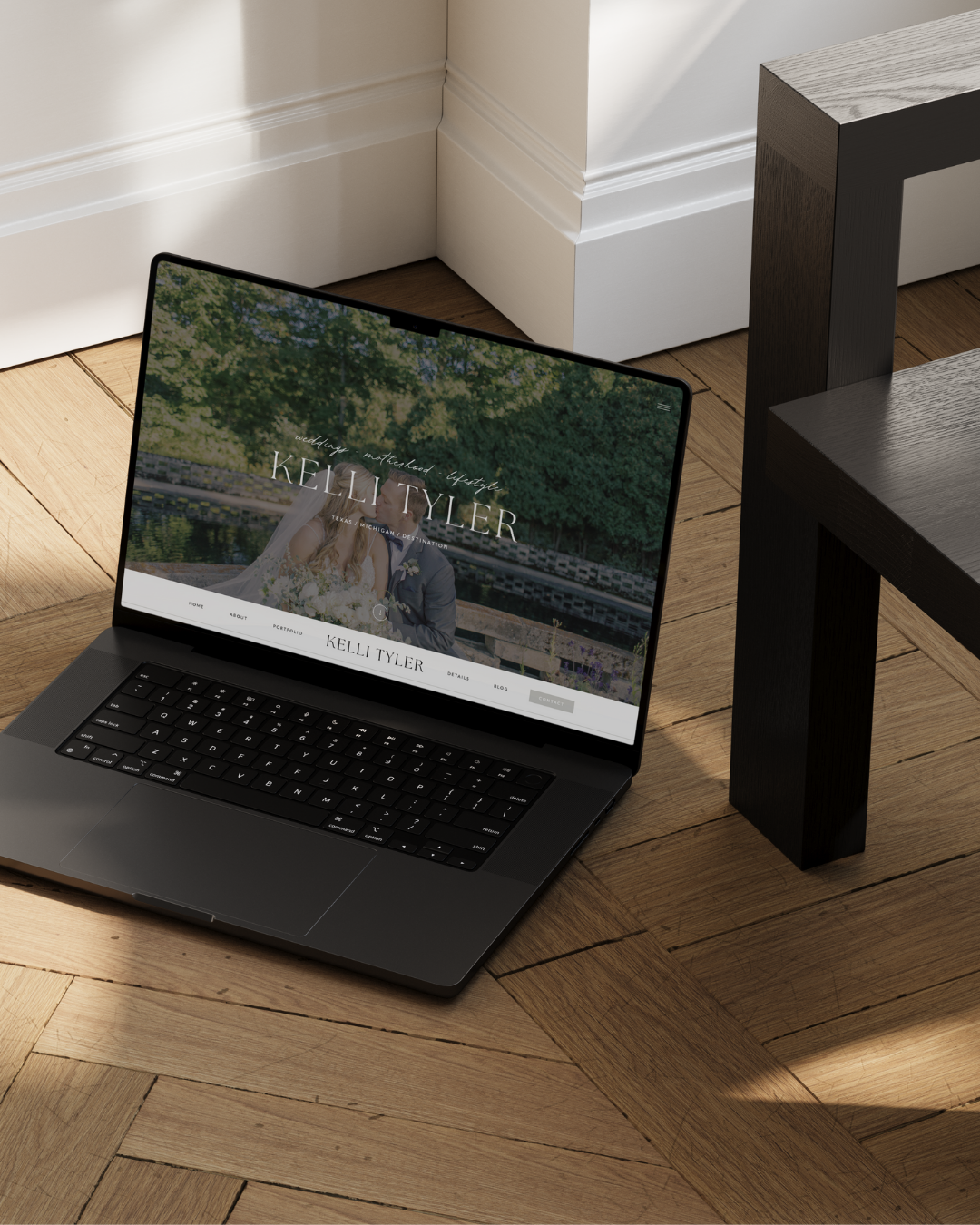
- Am I in the right place? Within a few seconds, a visitor should know what you do, who it’s for, and roughly where. For a wedding photographer, that might be one strong image and a single line. It rarely needs a paragraph.
- Is she good at what she does? This is where the work carries the page. A small, well-chosen selection says more than a grid of everything.
- Is this for someone like me? Now the visitor wants to recognize herself. A short section about the clients you serve, or what it’s like to work with you, answers this.
- What does working together look like? An overview of services, or a clear path to them. It doesn’t need pricing, but it should make the next step obvious.
- Can I trust this? Kind words from past clients, press, or a brief introduction to you.
- What do I do now? One clear invitation to take the next step.
If your homepage asks visitors to read your full story before they’ve seen your work, or pushes them to inquire before they know what you offer, the orde
What to fix first
Decide what the page is for. A homepage has one primary job: moving the right visitor to the next page. Usually that’s your services or portfolio. Everything on the page should support that direction.
Let one thing lead in each section. A headline, an image, or a button. If you can’t tell which element is meant to be seen first, a visitor can’t either.
Cut the sections that repeat. Two testimonial blocks, three separate inquiry prompts, an about blurb that restates the hero. Removing repetition does more for clarity than any new content.
Check it on your phone. Most visitors will see the mobile version first. Scroll your own homepage and notice what appears before your thumb moves. That first screen should answer “Am I in the right place?” on its own.
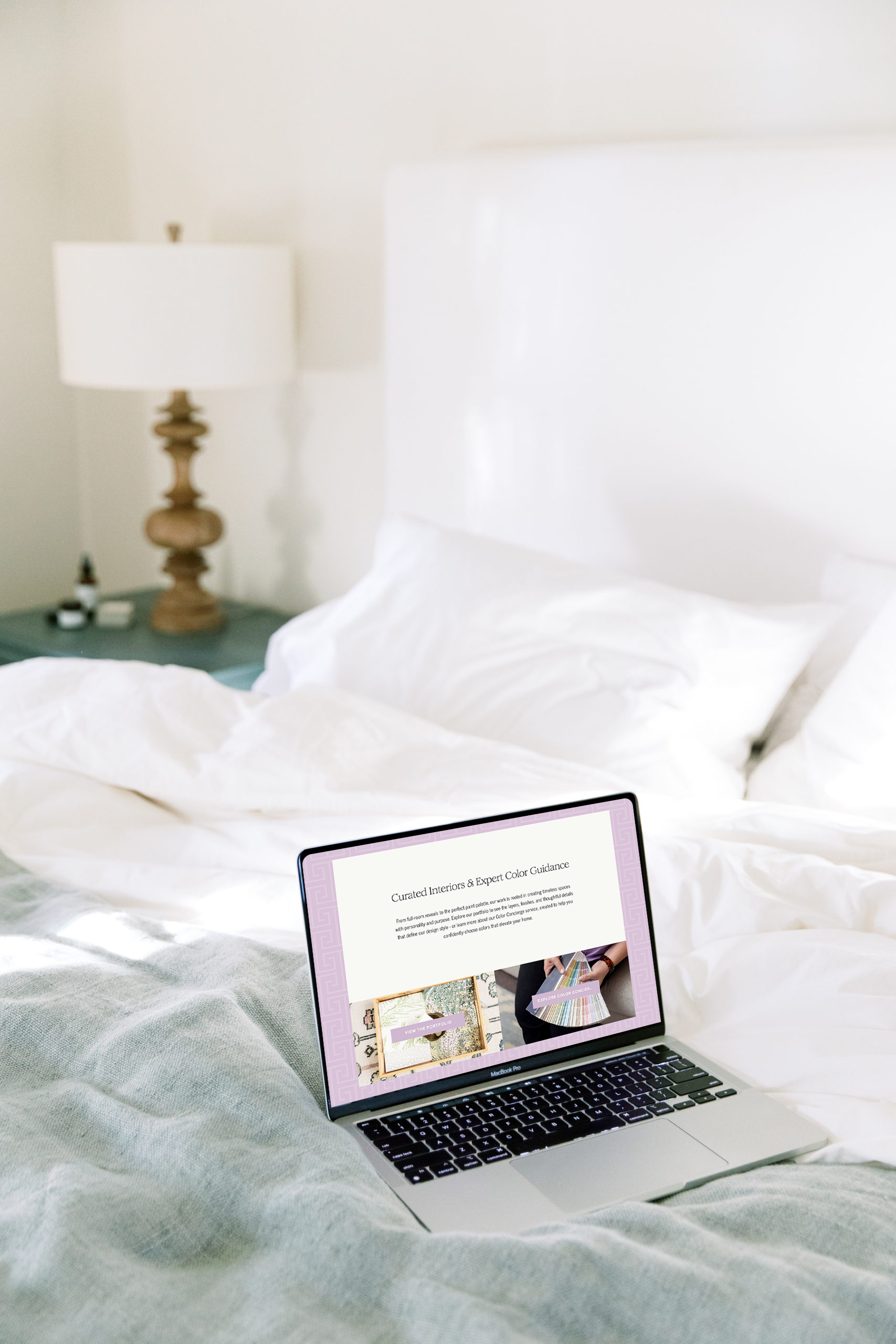
Make the next step specific. “Learn more” repeated five times gives no direction. A button that says “View wedding collections” or “Explore the portfolio” tells someone exactly where they’re going.
A note for photographers and creative businesses
Creative business owners tend to overload homepages because they have so much good work to show. The instinct makes sense. But a homepage works more like a magazine cover than an archive. Its job is to make someone want to open the rest.
The strongest homepages I’ve worked on feel quieter than their owners expected. That quiet is what makes the important things easy to find.
If your homepage has started to feel crowded, or you’ve added section after section without seeing more inquiries, look at the order before adding anything new.
+ view the comments