If you’ve been looking into a new website, you’ve probably come across Showit — and the two main ways to build one: starting with a professionally designed template, or building from scratch with a designer.
Both are solid options. But they’re not the same, and choosing the wrong one for your stage of business can mean paying for more than you need, or settling for less than your work deserves.
Here’s an honest look at both paths — what each one includes, who it’s right for, and how to know which one makes sense now.
First: what is Showit?
Showit is a drag-and-drop website platform built for visual creatives — photographers, designers, wedding professionals, and service-based business owners who want full design control without needing to write code.
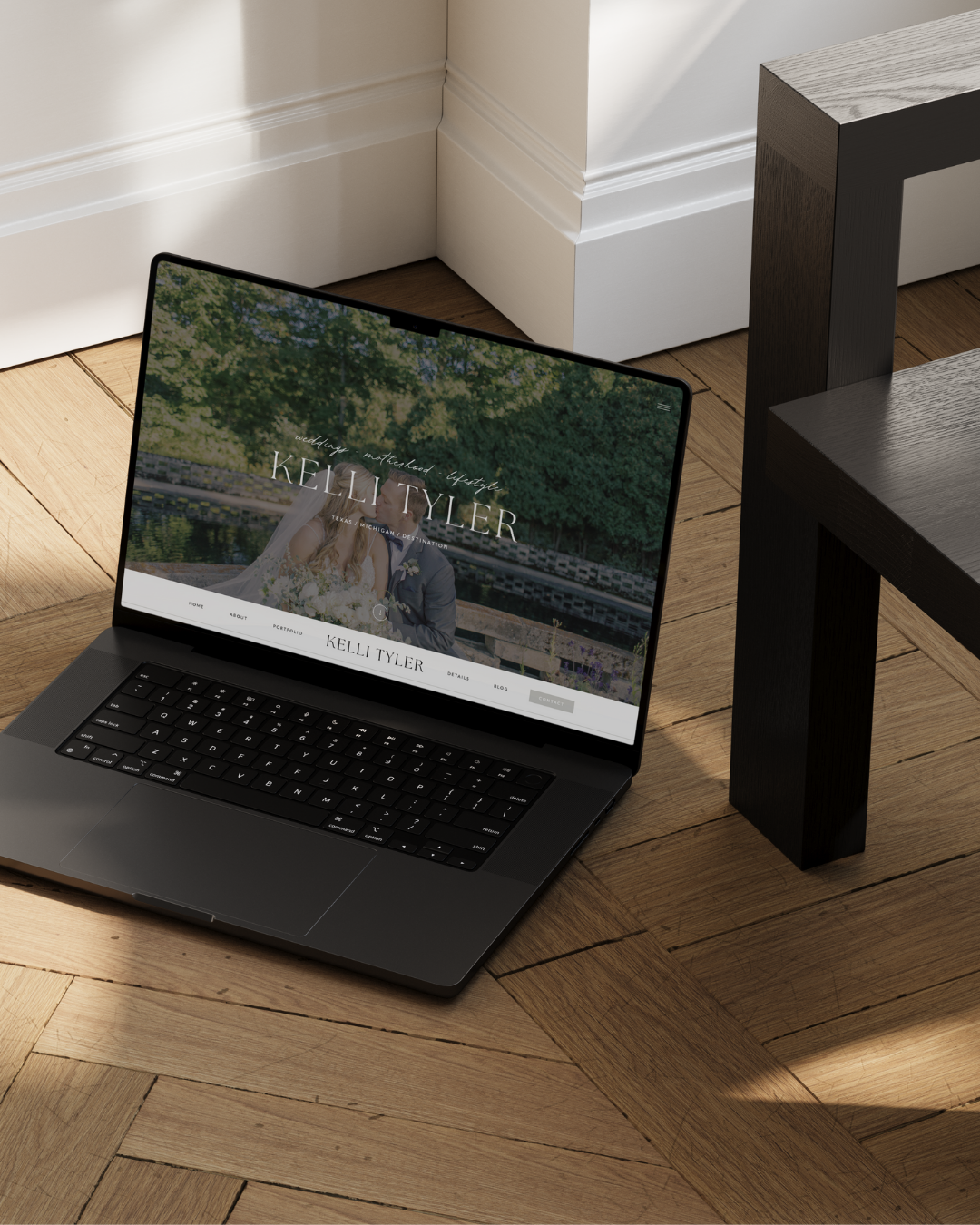
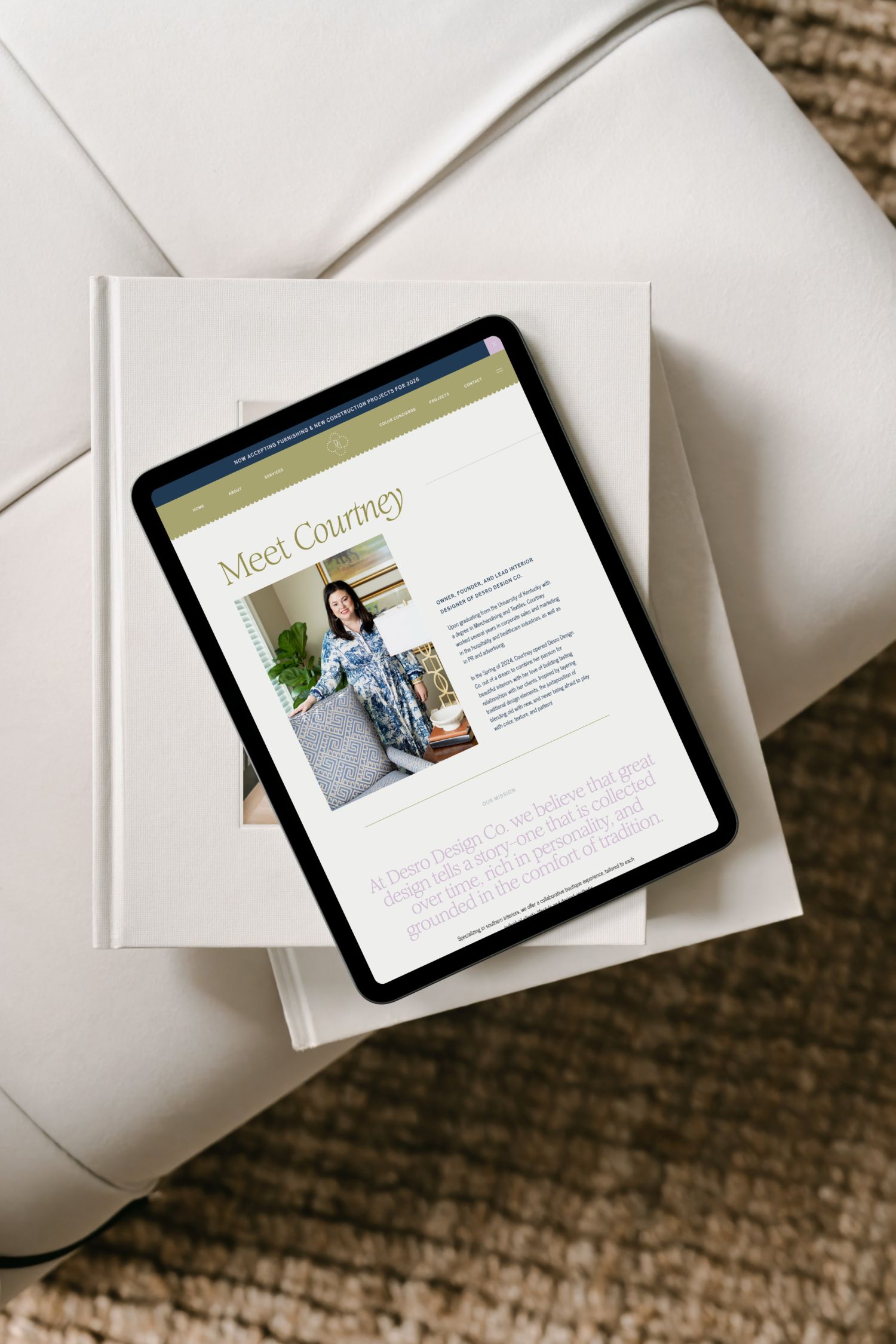
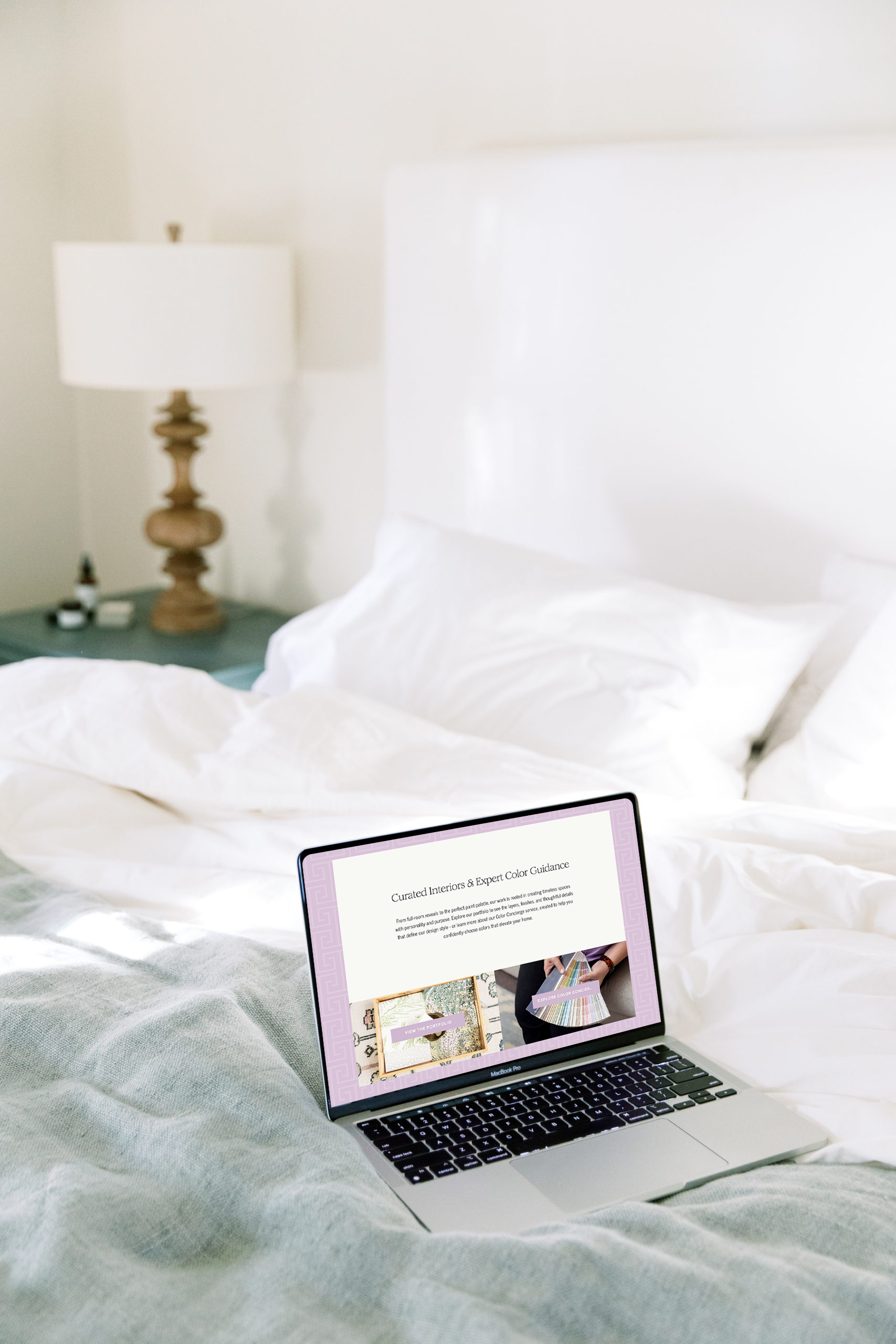
Unlike Squarespace or Wix, Showit gives designers pixel-level control over every element on a page. Nothing is locked into a grid. In the hands of someone who knows the platform, a Showit site can feel layered, editorial, and entirely original — even one that started from a template.
Showit also integrates with WordPress for blogging, which makes it a strong long-term choice for businesses where SEO matters.
There are two ways to build on it: starting from a professionally designed template, or starting from a blank canvas.
Option 1: Showit template customization (Website in a Week)
What it is:
Template customization starts with a professionally designed Showit template and builds it out to reflect your brand — your colors, fonts, photography, copy, and content. The structure is already there. The work is in making it feel like you.
What’s typically included:
- Template selection from a curated collection
- Brand integration: logo, color palette, and typography applied throughout
- Content population: your copy, imagery, and service details
- Layout adjustments to fit your specific pages and content
- Mobile optimization
- Launch-ready delivery, typically within 5–7 business days
Who it’s right for:
Template customization is a strong fit if you’re earlier in your business and need a polished presence at a lower investment. It works well when you have a clear brand identity already in place, know your content, and need to be up and running on a faster timeline.
What to know going in:
A customized template is not the same as a custom-built site. The underlying layout structure comes from the template — certain things can be adjusted, but the design architecture isn’t rebuilt from scratch. If you have a very specific vision, or need a layout that doesn’t exist in template form, custom design will serve you better.
That said, a well-chosen and well-executed template can look and function beautifully. The result depends a lot on who’s doing the work and how strategically the template was selected.
Investment range: Typically low-to-mid four figures, depending on scope.
Option 2: fully custom Showit website design
What it is:
Custom design starts with a blank canvas. Every page, every layout, every decision is built specifically for your business — informed by strategy, your brand, and how your ideal client moves through your site.
What’s typically included:
- Discovery and strategy before design begins
- Custom page layouts built from scratch
- Full brand integration across every element
- Copy guidance or collaboration
- Mobile design, built separately in Showit
- SEO setup: meta titles, descriptions, image alt text, sitemap
- Blog and WordPress integration
- Revisions and launch support
Who it’s right for:
Custom design makes sense when your website is doing real work for your business — driving inquiries, attracting the right clients, and reflecting the caliber of your services. It’s the right move if you’re rebranding or repositioning, charging at a level where your site needs to match, or ready to invest in something built to grow with you.
What makes it worth it:
The difference between a customized template and a fully custom site isn’t always obvious in a screenshot. It shows up in how the site works — how clearly it tells your story, how well it pre-qualifies inquiries, and how confidently a new visitor moves from curious to ready to reach out.
Investment range: Mid-to-high four figures and up, depending on scope and page count.
How to know which one is right for you
The honest answer depends on where your business is right now.
Template customization is a strong starting point if you need something professional and polished at a lower investment, have your brand identity in place, and want to be up and running within a week or two.
Custom design is the right next step when your site is a real driver of inquiries and revenue, you’re attracting higher-investment clients, or you’re repositioning and need something built around a new direction.
A lot of businesses start with a template and grow into custom design. That’s a reasonable path. What matters is that the investment is aligned with where you are — not where you hope to be in two years, and not lagging two years behind where you already are.
Two ways to work with me in this space
The Template Shop: A curated selection of Showit templates designed with creative, service-based businesses in mind — elevated, editorial, and built to be customized. If you want to be hands-on with your own site, these give you a strong, strategic foundation to work from.
Website in a Week: If you’d rather hand it off, this service takes a Showit template and customizes it to your brand in a focused, one-week build. You get a polished, professional site — with your colors, fonts, photography, and content — without the timeline or investment of fully custom design.
Both are built on the same foundation: good design, intentional layouts, and a site that actually works for your business.
If you’re not sure which path makes sense, get in touch and we can figure it out together.
+ view the comments